CortexaNote supports importing audio from third-party apps. Common sources include:
Import from Voice Memos
- Open Voice Memos and select the recording you want to import.
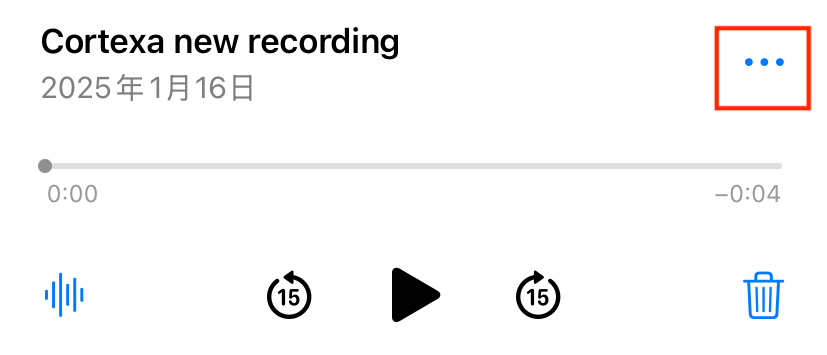
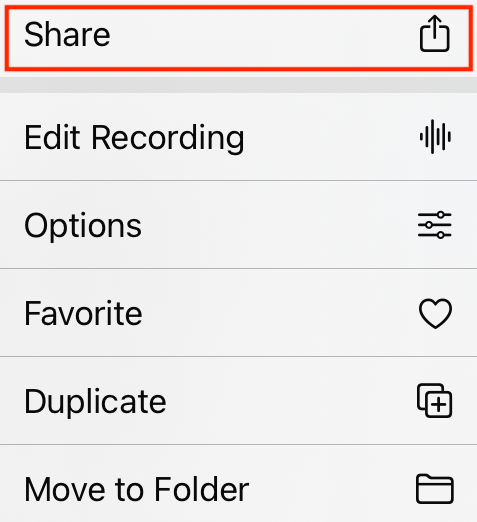
- Tap the Share button in the top right.
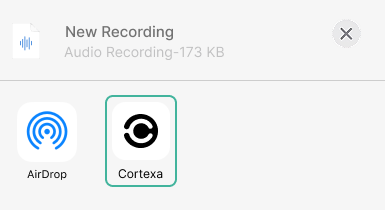
- Choose “CortexaNote” from the share sheet.
Import from other apps
- In the third-party app, find the audio file and tap “Share”, “Open in another app”, or “Open with”.
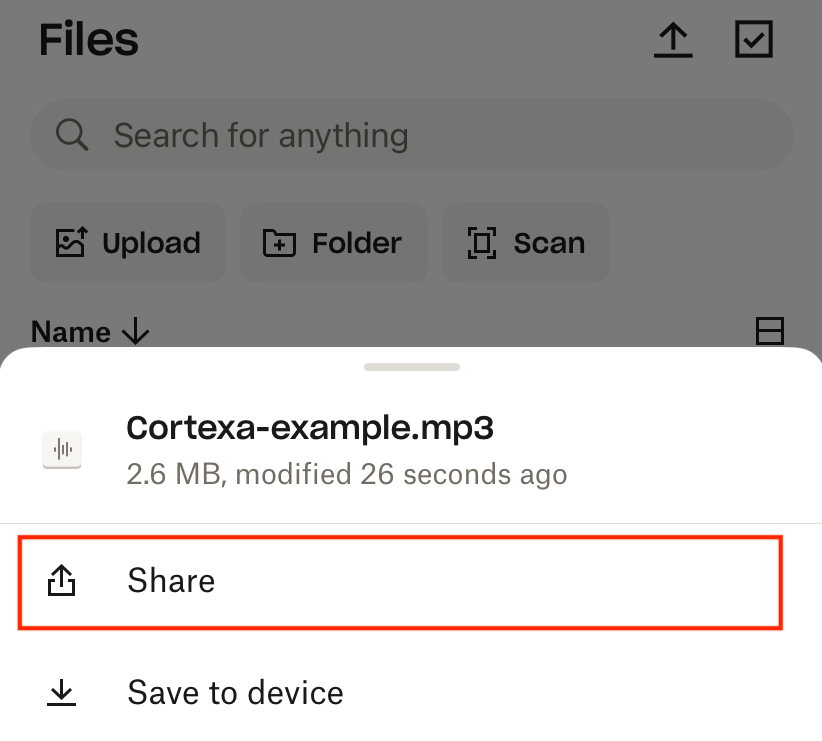
- Choose “CortexaNote” from the share sheet.
After import, CortexaNote automatically transcribes the audio and generates a summary.