AI notes flow directly to your EHR. No copy-paste, no tab switching—just one click from patient conversation to complete documentation.
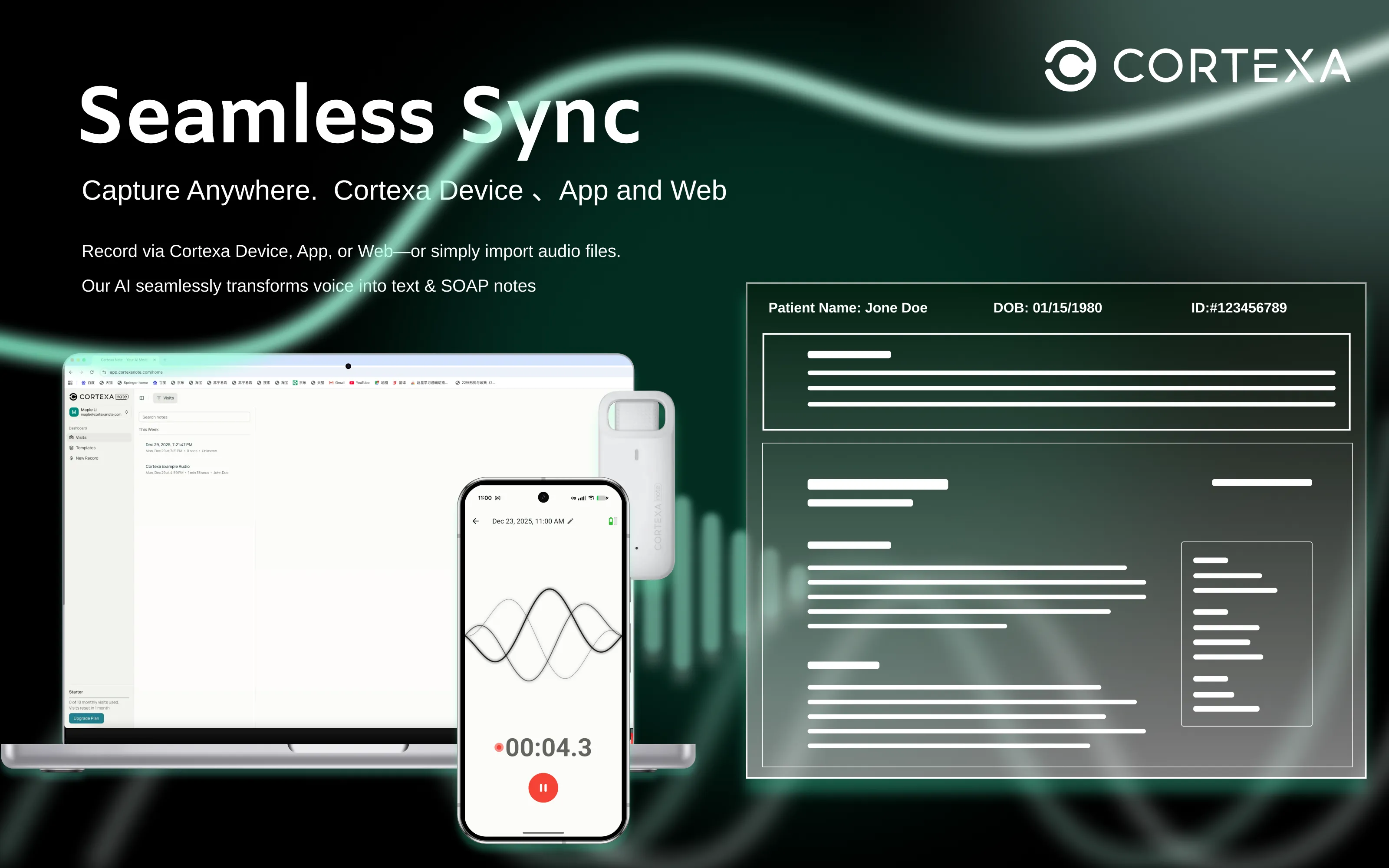
Record via Cortexa Device, App, or Web—or simply import audio files. Our AI seamlessly transforms voice into text & SOAP notes across all your devices.
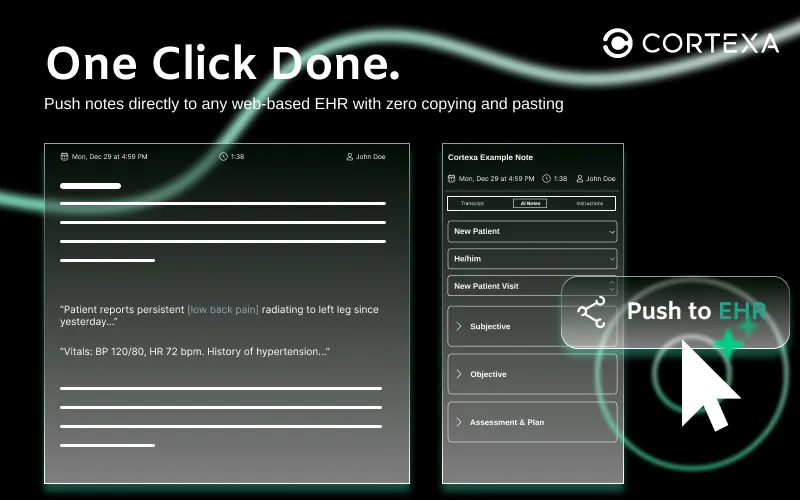
Push notes directly to any web-based EHR with zero copying and pasting. Our Cortexa Note technology maps your structured notes directly into EHR fields.
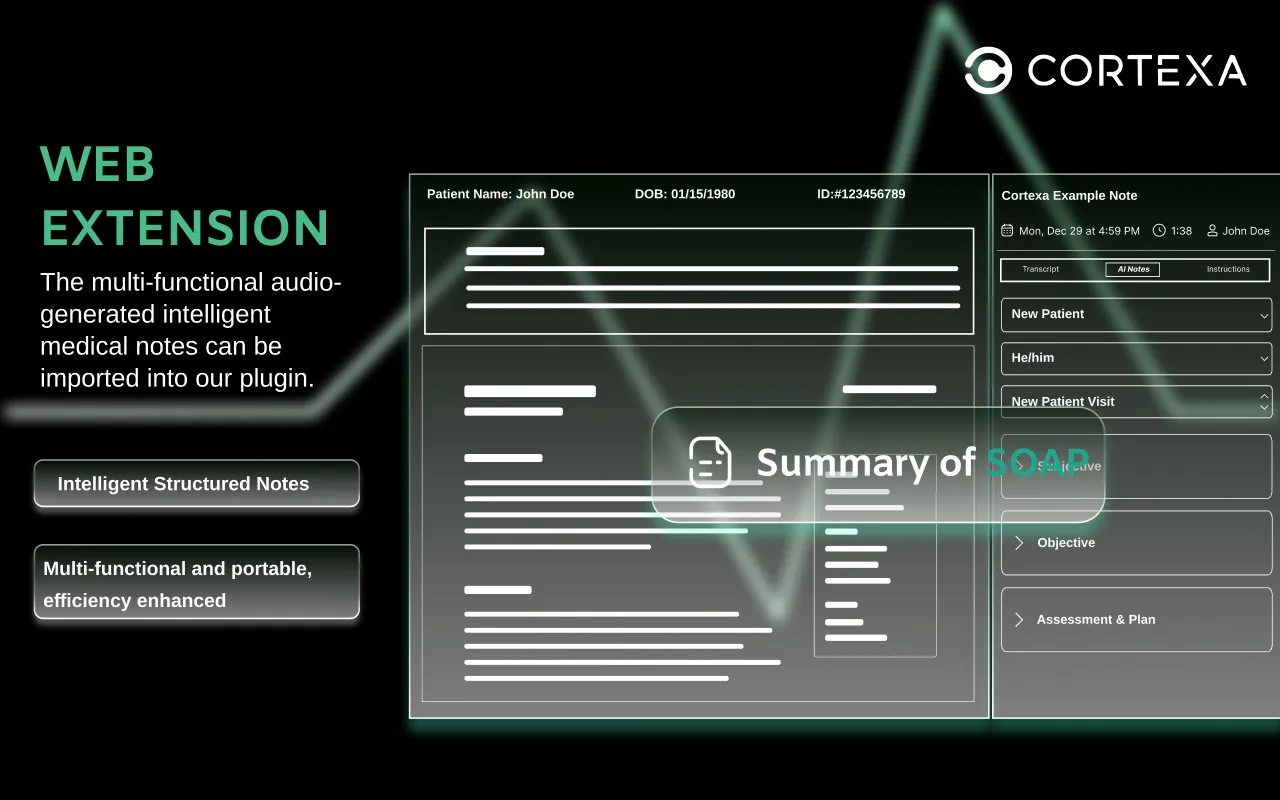
The multi-functional audio-generated intelligent medical notes can be imported into our plugin. Get structured notes with Subjective, Objective, Assessment & Plan sections.
Cortexa Note is an intelligent automation engine that maps and transfers structured clinical notes from our elite AI scribe into any browser-based EHR.
If your EHR runs in Chrome, Cortexa works. Period.
Install the extension and start syncing in under 60 seconds. No hospital IT tickets required.
EHR push is free to use for all Cortexa Note users while it's in beta (through 2026).
Your data is protected with end-to-end encryption and secure cloud processing.
Get started with Cortexa Note in three simple steps
Add the Cortexa Note extension to your Chrome browser.
Open your EHR and launch the extension from the sidebar.
Record your visit, review the AI note, and hit "Push to EHR."
"Cortexa Note has been a transformative addition to my practice. By eliminating the copy-paste fatigue, it has freed me to focus on the human element of medicine. This is finally the technology doctors have been waiting for."
Dr. Samuel Brofitt
Family Medicine Physician
Answers for clinicians evaluating Cortexa Note.
Cortexa Note is designed to be universal. It functions with any browser-based EHR via the Cortexa Chrome Extension. Whether you use a major platform or a niche system, our tool maps data directly into your browser fields.
EHR push is free to use for all Cortexa Note users while it's in beta (through 2026).
No. Because Cortexa Note operates as a browser overlay, it does not require backend server integration or hospital IT intervention. You can set it up yourself in less than a minute.
Patient privacy is our highest priority. All data is protected with end-to-end encryption to ensure that information is never exposed during the sync process.
Beta means we are constantly refining the mapping logic. While it works across all systems, our engineering team is pushing daily updates to improve field recognition. We provide an instant feedback loop within the app so you can help us perfect the experience for your specific EHR.
While we support all browser-based systems, Cortexa Note currently offers "Gold-Standard" performance on Acuity Scheduling, AkuteHealth, BestPractice.
Join thousands of healthcare professionals who are saving hours every week with Cortexa Note.
