Availability
Currently supportedAcuity Scheduling is currently supported by CortexaNote. Push fires after the clinician approves the reviewed note inside the Chrome extension.
Push-to-EHR integration
Acuity Scheduling is currently supported by CortexaNote. The Chrome extension docks beside the encounter screen, every SOAP section maps into the field your clinicians already chart in, and Push only fires after the clinician approves the reviewed note.
Integration identity
Text-logo marketplace tile for the CortexaNote integration directory. It keeps the card rhythm stable while real partner logo assets remain optional and governed.
Availability
Currently supportedAcuity Scheduling is currently supported by CortexaNote. Push fires after the clinician approves the reviewed note inside the Chrome extension.
Mode
Push-to-EHR
The Chrome extension docks beside Acuity Scheduling and maps each reviewed SOAP section into the right encounter field.
Category
Scheduling
Category keeps search, setup planning, and related integration discovery grounded in workflow fit.
Key benefits
Outcome-first integration pages put clinical value before setup detail. CortexaNote keeps that rhythm while making support status explicit.
Clinical control
01Capture, draft, edit, and approve the clinical note before anything moves toward Acuity Scheduling.
Workflow fit
02Map encounter types, templates, and destination fields before the first rollout conversation.
Availability
03Acuity Scheduling is currently supported by CortexaNote. Push runs against fields we validate on every EHR release.
Integration signals
CortexaNote keeps availability, connection model, and workflow category separate so teams can plan without ambiguity.
Support status
01Acuity Scheduling is currently supported by CortexaNote. Push fires after the clinician approves the reviewed note inside the Chrome extension.
Connection model
02Reviewed SOAP sections push from CortexaNote into Acuity Scheduling encounter fields via the Chrome extension.
Workflow category
03The workflow category shapes setup, note review, and handoff expectations before implementation starts.
About this integration
Acuity Scheduling is currently supported by CortexaNote. The Chrome extension docks beside the encounter screen, every SOAP section maps into the field your clinicians already chart in, and Push only fires after the clinician approves the reviewed note.
Choose the clinical template, patient context, and output format the team already trusts.
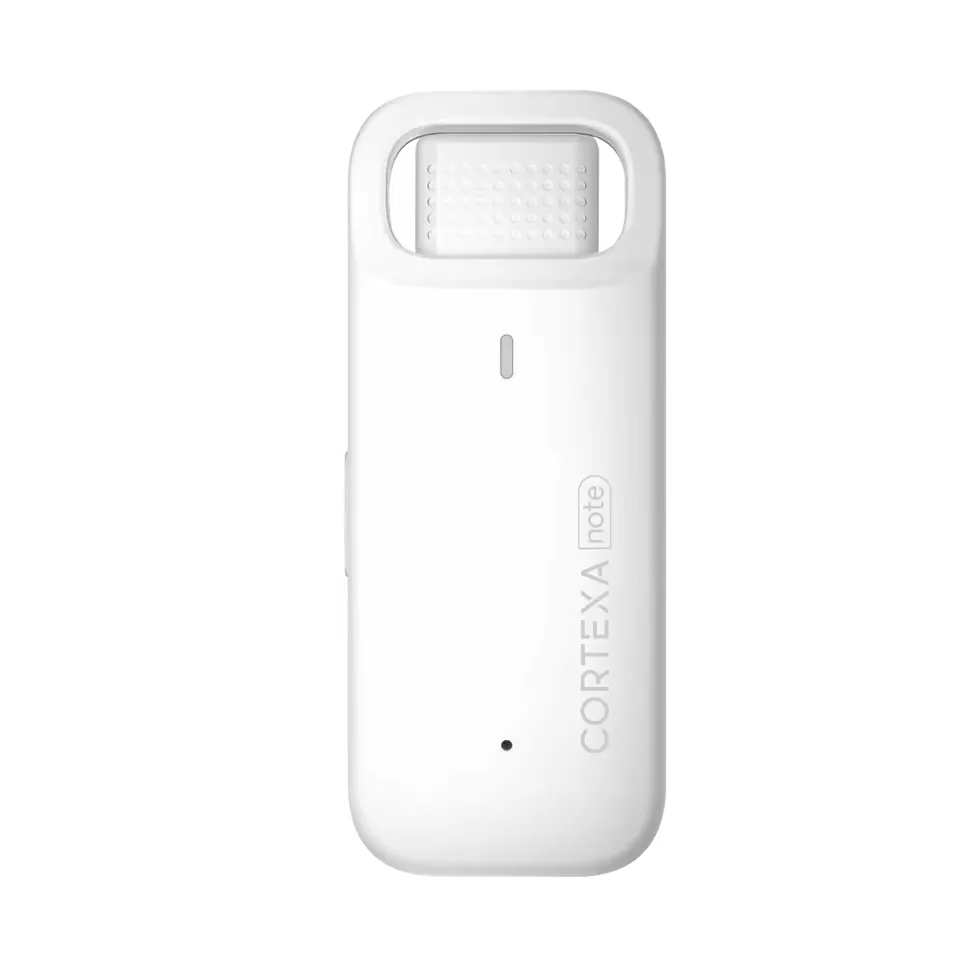
Use CortexaNote Recorder or the software capture path to produce a structured draft from the visit.
The clinician reviews and approves the final note before CortexaNote pushes it into Acuity Scheduling.
Setup path
Acuity Scheduling Push-to-EHR support through the CortexaNote Chrome extension.
1
Pin CortexaNote next to Acuity Scheduling from the integration page so it opens beside the encounter you already work in.
2
Authenticate with your CortexaNote workspace; we confirm your team is approved for Acuity Scheduling before the first push.
3
Record the visit, review the draft, and click Push to Acuity Scheduling. CortexaNote maps every SOAP section into the right scheduling field.
Integration FAQ
Yes. Acuity Scheduling is currently supported by CortexaNote with Push-to-EHR via the Chrome extension. Confirm the rollout path for your workspace with our team before going live with production charts.
Start with a workspace, capture your first encounter, and see what clinical documentation feels like when the busywork is handled.
Try Cortexa