Changelog
Last updated on
30 Apr 2026
Introduction
Welcome to the public changelog for Cortexa Note. This page summarises the user-facing features, improvements, and fixes we ship across our mobile apps, web app, browser extension, and recorder firmware. Dates and version numbers reflect the production rollout. Internal infrastructure changes that have no direct impact on customers are intentionally omitted.
30 Apr 2026 — Hardware ordering on cortexanote.com
New
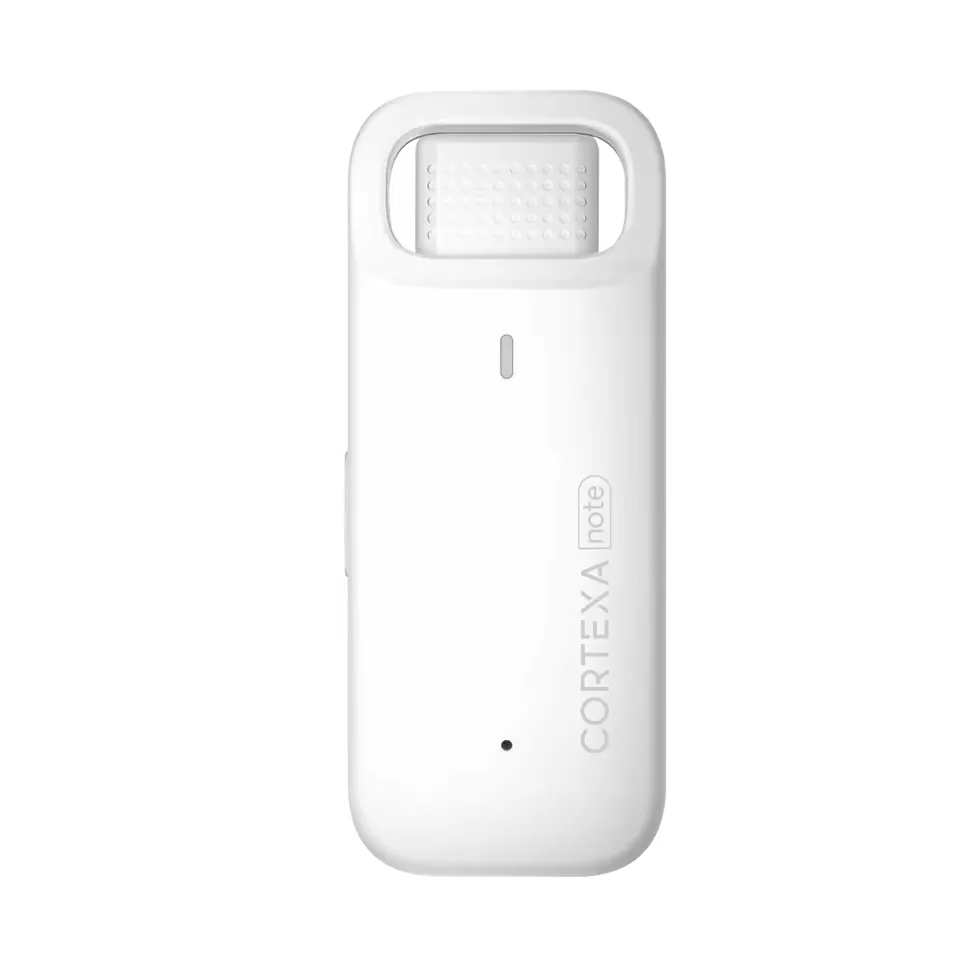
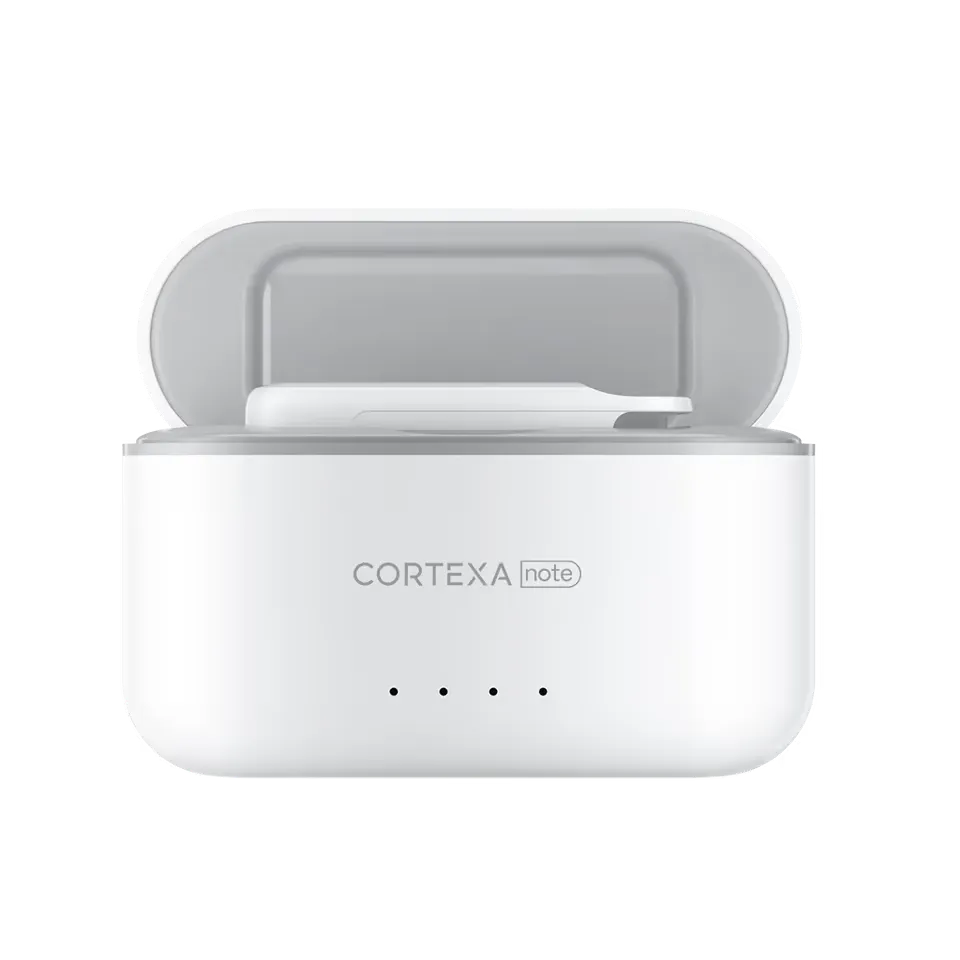
- Order the Cortexa Note recording pen directly from our website with a streamlined checkout.
- Order confirmations are now associated with your account automatically.
Fixes
- Resolved an edge case in Settings → Profile where rapid edits to a display name could be reverted.
- Fixed an “An error occurred” message that occasionally appeared after clicking Manage subscription on the Billing page.
28 Apr 2026 — Unified workspaces and HIPAA-aligned transcription
App 1.260427.0+68 · Web 1.2604028.0 · API 1.2604028.0 · Pen firmware 1.2.0
New
- Every account now lives in a workspace, including solo accounts. New users automatically receive a single-seat workspace at sign-up — no extra setup required.
- Voice transcription runs in Zero Retention Mode by default: audio sent to our speech provider is not retained on their servers, supporting HIPAA-aligned workflows.
- Pen firmware introduces staged delivery — the right channel (BLE 1.x or 2.x) is selected automatically based on your hardware.
Improvements
- All billing, plan changes, and seat management are unified under workspaces — one source of truth across web and mobile.
- Smarter over-the-air upgrades: cross-version upgrades that could brick a pen are blocked, the Bluetooth state is reset before each upgrade, and Wi-Fi remains the preferred upgrade channel.
- More resilient audio uploads with managed background tasks, idempotent retries, and live status confirmation.
- Faster bulk Wi-Fi transfers with reduced TCP drop-outs and screen-on enforcement during transfer.
Fixes
- Recording status now refreshes correctly when transferring over Bluetooth from a locked screen.
- Connected devices appear in the device list immediately.
- Resolved a rare “Audio not found” error when switching workspaces.
- Stopped a duplicate-upload retry loop in poor network conditions.
21 Apr 2026 — Enterprise SSO, unified identity, and centralised billing
App 1.260421.0+66 · Web 1.2604021.0 · API 1.260421.1
New
- Sign in with SSO for organisations on the Success plan, including SAML/OIDC, SCIM provisioning, and email-domain verification.
- Smart sign-in: enter your work email and Cortexa Note routes you to your organisation’s identity provider automatically.
- Web is now the single subscription centre for every platform. iOS users manage subscriptions from the web app; existing Android subscriptions continue to work.
Improvements
- Migrated the identity layer to a new provider with zero disruption — your existing email/password, Google, and Apple sign-ins continue to work.
- Cached role lookups for faster permission checks across the app.
- Storage is now strictly partitioned per environment, hardening data isolation.
Fixes
- Resolved repeated-login errors caused by lingering deep-link state.
- Added Back buttons to Change password and Reset password screens for consistent navigation.
8–10 Apr 2026 — Smoother imports and OTA upgrades
App 1.260403.0+54 / 1.260409.1+57 · Web 1.260408.0
Improvements
- Import audio now opens instantly even on busy devices, and the import dialog shows the file name with a cancel option.
- OTA firmware upgrade presents a single, accurate progress bar across both download and install phases, plus a clearer warning to keep the page open. You can switch apps mid-upgrade without interruption.
- Removed the brief black flash between the splash and login screens.
- Added an Instant Generate button on the note detail screen for on-demand summaries.
Fixes
- Multi-device account safety: signing out or deleting an account on one device now propagates correctly to other signed-in devices.
- Cross-language settings: switching between English and Japanese no longer leaves stale option labels.
31 Mar 2026 — Team workspaces v2 and model switching
App 1.260331.0+51 · Web 1.260331.0 · API 1.260331.0
New
- Team workspaces v2: workspaces now share a single plan across all admins and members. Pricing on Growth and Success scales with active member count, and seat pools have been retired.
- Choose your AI model from supported providers, directly from your note settings.
Improvements
- Simplified roles: only
admin and user remain, and all admins share the same elevated permissions.
- Redesigned WebApp workspace UI for clearer space switching and onboarding.
Fixes
- Reset-password emails are reliably delivered.
- Subscription reactivation now returns you to the correct domain.
- Stopped duplicate workspace memberships when joining via both link and email invite.
24 Mar 2026 — Smarter consent and broader EHR compatibility
App 1.260319.0+49 · Web 1.260324.0 · API 1.260324.0 · Browser extension v1.26.319.15
New
- One-time global privacy consent: review and accept once, then start recording, importing, and generating AI notes without repeated prompts.
- Initial scaffolding for team workspaces, including data isolation, quota redesign, and role automation.
Improvements
- The privacy notice now opens at the section explaining how your data is processed and which models are used.
- The browser extension has been deeply re-validated against the major EHR systems for broader compatibility.
- Streamlined Android privacy flow by removing redundant system prompts.
Fixes
- “Add merged file” and “Delete” actions are visible again on selected items.
- Switching from Wi-Fi to Bluetooth mid-transfer no longer strands the upload.
- Audio sessions started while the app was force-quit are no longer duplicated upon relaunch.
17 Mar 2026 — Vertex AI, faster generation, more reliable uploads
App 1.260318.0+47 · API 1.260317
New
- AI summarisation now runs on Google Vertex AI with intelligent fallbacks — better quality, lower latency, and improved availability.
Improvements
- Added rate limiting, distributed locks, and unified error handling for steadier performance under load.
- Network-state checks during device pairing surface clearer guidance.
- My devices now lists currently connected devices first.
Fixes
- Custom vocabulary is no longer duplicated on rapid save.
- Avatars on speaker labels render reliably.
- The “Device not found” prompt no longer appears after a successful connection.
- Long silent recordings (10 minutes or more) no longer fail upload.
10 Mar 2026 — Modern auth, faster cloud storage, mobile uploads
App 1.260310.1+42 · API 1.260310.1+42
New
- Re-architected sign-in with email/password, Google, and Apple ID using a modern identity provider.
- iOS subscriptions via the App Store; Android subscriptions via Stripe.
Improvements
- Audio uploads now run end-to-end from the app — faster, with better retry behaviour and clearer progress.
- Long recordings are reassembled in a managed cloud service for greater reliability.
- Cleaner network error messages.
- Quickly switch environments by tapping the logo on the login screen.
Fixes
- Subject line and email composer text fields are no longer obscured by the keyboard.
3 Mar 2026 — iPad support, MP3 firmware, smarter caching
App 1.0.260228+36 · API 1.0.260228 · Pen firmware 701, 1.1.32
New
- Native iPad layout support.
Improvements
- Pen now records exclusively in MP3 — smaller files, broader compatibility.
- Home screen lists, plan details, and entitlement data are cached locally and refreshed in the background for snappier launches.
- Tap a transferring recording to see its current upload state instead of having it hidden.
27 Jan – 3 Feb 2026 — Stability and quality
App versions 1.0.260112+10 → 1.0.260202+25
Improvements
- Faster API responses across notes, search, and patients.
- Added request caching and reduced post-recording fragment processing time.
- Hidden noise-reduction setting that occasionally introduced clipping is now disabled automatically on devices that had it enabled.
- Phone recordings keep the screen awake while transcribing and merge same-speaker sentences after pauses.
- WebApp recycle bin now respects subscription limits.
Fixes
- Specialty drop-down on the onboarding flow is selectable again.
- Search results no longer report “no data” with valid filters.
- Reset emails, restore-from-edit, and the new sign-up confetti animation are reliable again.
13 Jan 2026 — Cortexa Note brand, EHR page, and import safeguards
App 1.0.260112+10 · Web
New
- A new home-screen device tile communicates pairing state at a glance: add device, connected (with battery and Wi-Fi indicators), or tap-to-reconnect when offline.
- New EHR Integration page on cortexanote.com.
- New custom-vocabulary settings and a Notes-summary configuration page.
- Recycle bin and pull-to-load for note history.
Improvements
- Subscription enforcement clearly distinguishes plans (Starter 200 MB, Growth 1 GB, Success 2 GB upload limits).
- Wi-Fi transfer recovers more gracefully after TCP failures.
- Refined animation, typography, and battery indicator throughout the app.
26 Dec 2025 — Refreshed import flow
New
- Audio imports surface progress in-line and run in parallel with active recordings.
- Each imported file is now bound to a local audio record with retry, manual re-try on failure, and synchronised deletion.
Improvements
- Bluetooth transfer and uploads run independently — files start uploading the moment they finish transferring.
- Optimised AI prompts to reduce token usage and improve summary clarity.
Fixes
- Template builder no longer mis-renders custom subsections when collapsed.
5 Dec 2025 — Plugins, Zoom, and EHR integrations
New
- Apps and EHR integrations exposed under Settings.
- Cortexa device discovery via Bluetooth scanning.
Improvements
- Wi-Fi quick-transfer Turn on button gives clear loading feedback to prevent double-clicks.
- The screen stays awake during Wi-Fi transfers and restores normal sleep behaviour afterwards.
- Refreshed recording animation.
Fixes
- The first file in an offline list no longer fails the rest of the queue with an “upload now” prompt.
25 Nov 2025 — Major UI revamp and Practice Fusion push
New
- Push to EHR for Practice Fusion (https://www.practicefusion.com/).
- Note feedback panel and editable SOAP fields with undo.
- Template manager now supports custom fields (display and edit).
Improvements
- Refreshed primary buttons, profile, device settings, and side panel.
- Updated login background.
- Smarter device storage management — pen alerts you when memory is full and blocks new recordings to protect existing audio.
- Upload timeouts adapt to file size to prevent false failures.
- Connection state checks ensure only bound devices are shown as connected.
5 Nov 2025 — Cleaner navigation
Improvements
- Removed legacy folder, favourites, and “move to folder” features in favour of a streamlined sidebar.
- Templates now support a canonical type.
- Resolved an audible artifact that could occur with noise reduction during Wi-Fi transfer.
23 Oct 2025 — Smarter templates
New
- Full template management (create, edit, delete) for both user templates and system-provided templates.
- Templates are now applied automatically to AI summaries; specialty-based defaults are used when no template is selected.
- Built-in vocabulary library tailored to medical specialties.
Improvements
- Pen now retries the stop-transmission command three times for greater reliability.
- New-user landing copy refreshed.
14 Oct 2025 — Reliable uploads and patient search
Improvements
- Real-time patient search in note details: type a name and we’ll surface matches or offer a Create patient shortcut.
- iOS users without local-network permission see a clear prompt before Wi-Fi transfer begins.
- Visit type and pronoun selectors expand to fit their containers.
- Wi-Fi transfer history filters out stale entries that previously caused phantom failed uploads.
29 Sep 2025 — Stripe subscriptions
New
- Subscriptions now run on Stripe with a custom paywall that completes in your browser.
- Settings shows a red dot when a new app version is available, with a one-tap update sheet.
Improvements
- Hardened entitlement checks across the app.
- Added a one-click device QA test for support diagnostics.
18 Sep 2025 — Medical specialties and adaptive vocabulary
New
- Two-level specialty selection (with localised options) on personalisation and onboarding.
- Smart vocabulary: edits you make to AI notes are evaluated and, when validated by repeated use, promoted to the system vocabulary library.
Improvements
- Refreshed home-screen list UI with batch select, grouping, and clearer free-plan visibility limits.
- Refined supported languages to English, Spanish, and Chinese.
Fixes
- Patient picker on the note detail correctly reflects newly created patients.
11 Sep 2025 — Feedback, animations, and quality of life
New
- Send feedback on AI summaries directly from a note.
- Mic boost screen reimagined.
Improvements
- Clearer reasons when transcription fails.
- Network detection rebuilt for fewer false negatives.
- Polished interaction details across the app, including a confetti moment for new sign-ups.
4 Sep 2025 — Visual polish and Wi-Fi reliability
Improvements
- Refreshed app aesthetics with new motion and interaction details.
- Wi-Fi batch transfer fixes: no more dropped TCP, missing last file, or duplicated first file.
28 Aug 2025 — Auto-reconnect and mic boost
New
- Mic gain boost on supported devices.
- New voucher logic so first-time pen users automatically receive a starter offer when applicable.
Improvements
- The app reliably reconnects to your pen after sleep, lock, network loss, or distance break.
26 Aug 2025 — Better follow-ups
New
- AI now references the patient’s previous Subjective notes when summarising follow-up visits, improving continuity of care.
Improvements
- OTA copy and flow polish.
- Splash and login screens follow your system’s light/dark setting.