iOS
Use CortexaNote from your iPhone.
Sign in, pair the Recorder, and stay in sync when the visit moves between rooms.

Download
Use the mobile app for Recorder pairing and on-the-go account sync. Add the Chrome extension when your day happens inside a browser EHR.
Account sync
One login across app, recorder, and extension.
Mobile app
Chrome extension
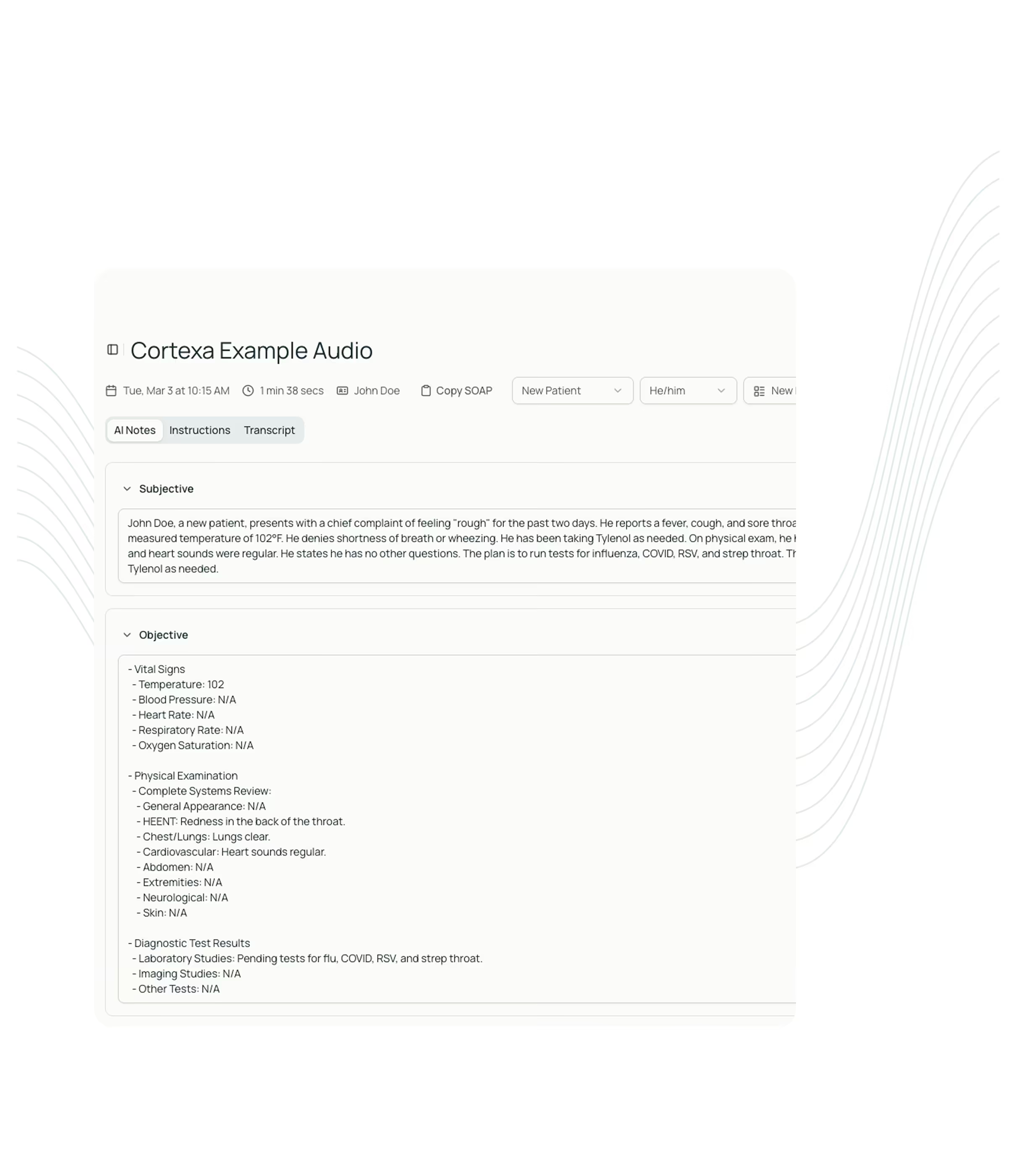
Mobile app
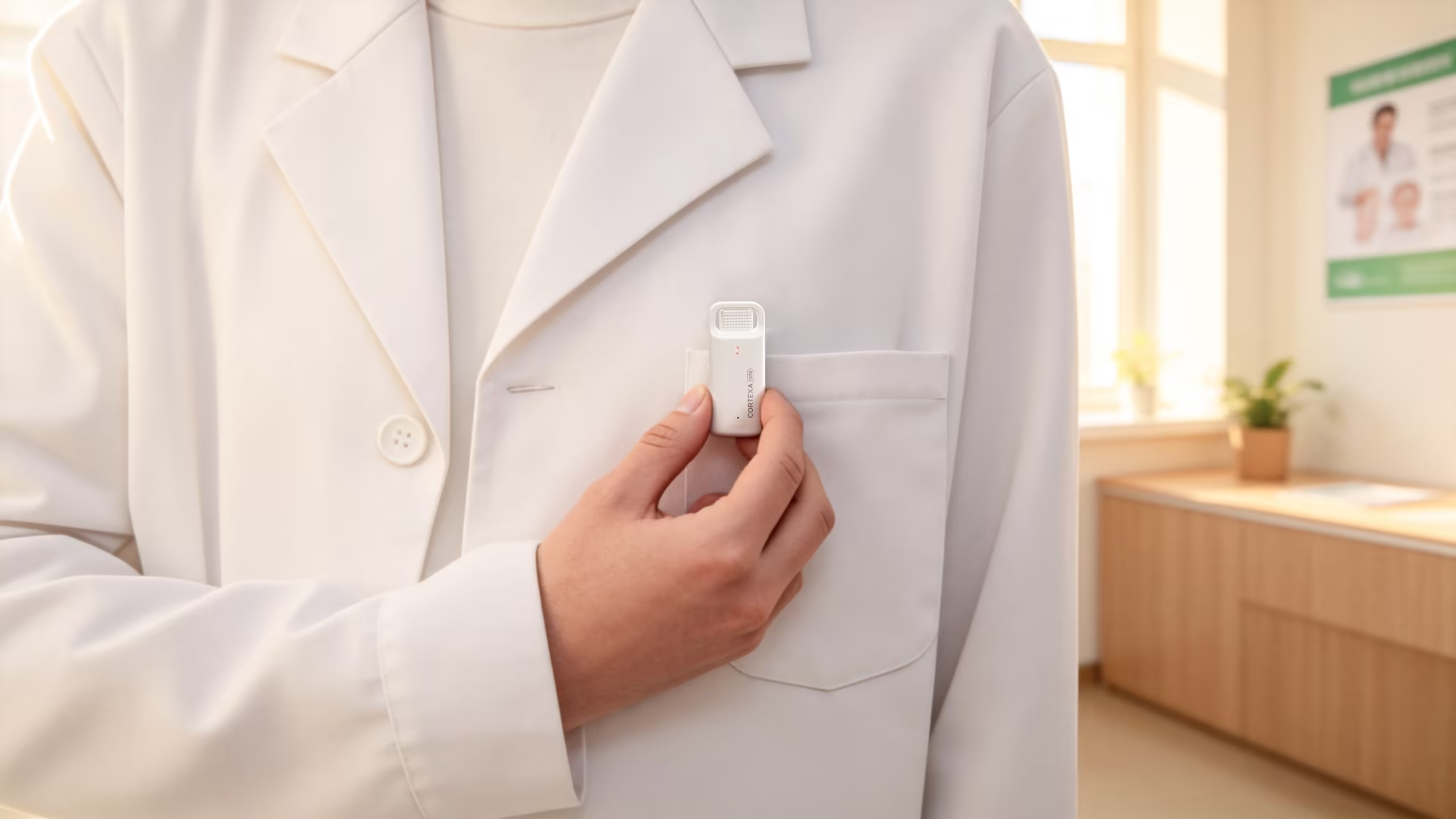
Install the app, sign in to your CortexaNote account, pair the Recorder, and keep notifications synchronized across your clinical devices.
iOS
Sign in, pair the Recorder, and stay in sync when the visit moves between rooms.
Android
Connect mobile recording, device notifications, and account sync without adding a second workflow.
App and extension
Browser EHR
Keep CortexaNote available inside browser-based EHRs so notes can move from encounter to chart with less tab switching.
Open Chrome Web Store
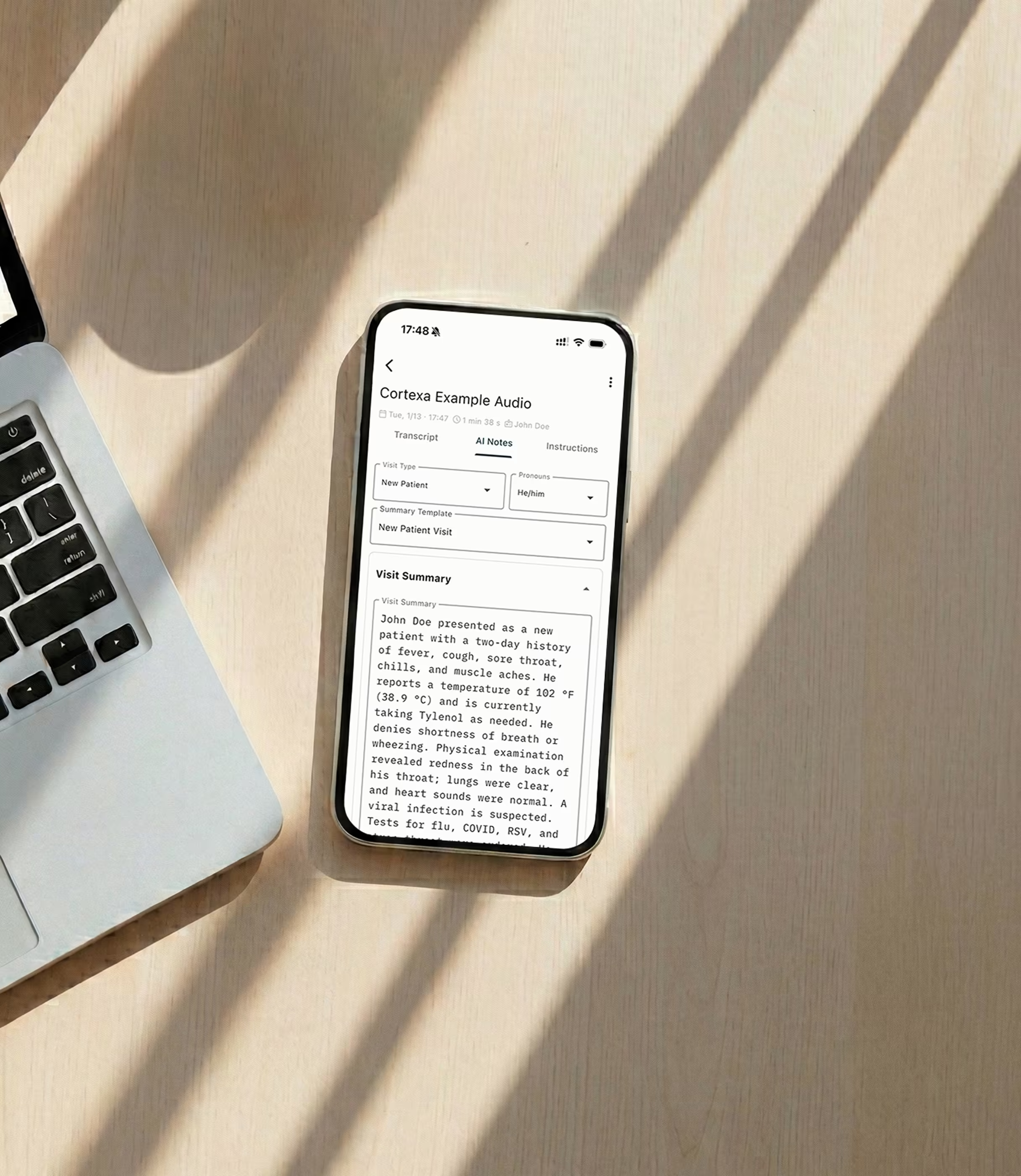
Mobile app
The mobile app keeps Recorder pairing, notifications, and account state aligned with the workspace clinicians already use.
View app stores
EHR fit
Use integrations for EHR workflow, compliance review, and chart handoff instead of treating downloads as isolated tools.
Explore integrations
Setup