
Availability
Planning pageMediRecords stays visible for workflow planning while support status remains explicit.
Connect integration
MediRecords is listed for workflow planning with support status kept explicit. CortexaNote keeps the page shape consistent while making support status explicit, so the directory stays useful without overstating availability.
Integration identity
Text-logo marketplace tile for the CortexaNote integration directory. It keeps the card rhythm stable while real partner logo assets remain optional and governed.
Availability
Planning pageMediRecords stays visible for workflow planning while support status remains explicit.
Mode
Connect
The mode label separates embedded workflow expectations from connect-style setup conversations.
Category
Cloud EHR
Category keeps search, setup planning, and related integration discovery grounded in workflow fit.
Key benefits
Outcome-first integration pages put clinical value before setup detail. CortexaNote keeps that rhythm while making support status explicit.
Clinical control
01Capture, draft, edit, and approve the clinical note before anything moves toward MediRecords.
Workflow fit
02Map encounter types, templates, and destination fields before the first rollout conversation.
Availability
03MediRecords stays visible for planning without pretending support is live today.
Integration signals
CortexaNote keeps availability, connection model, and workflow category separate so teams can plan without ambiguity.
Support status
01MediRecords stays visible for workflow planning while support status remains explicit.
Connection model
02Connect rollout path for moving approved clinical documentation into MediRecords.
Workflow category
03The workflow category shapes setup, note review, and handoff expectations before implementation starts.
About this integration
MediRecords is listed for workflow planning with support status kept explicit. CortexaNote keeps the page shape consistent while making support status explicit, so the directory stays useful without overstating availability.
Choose the clinical template, patient context, and output format the team already trusts.
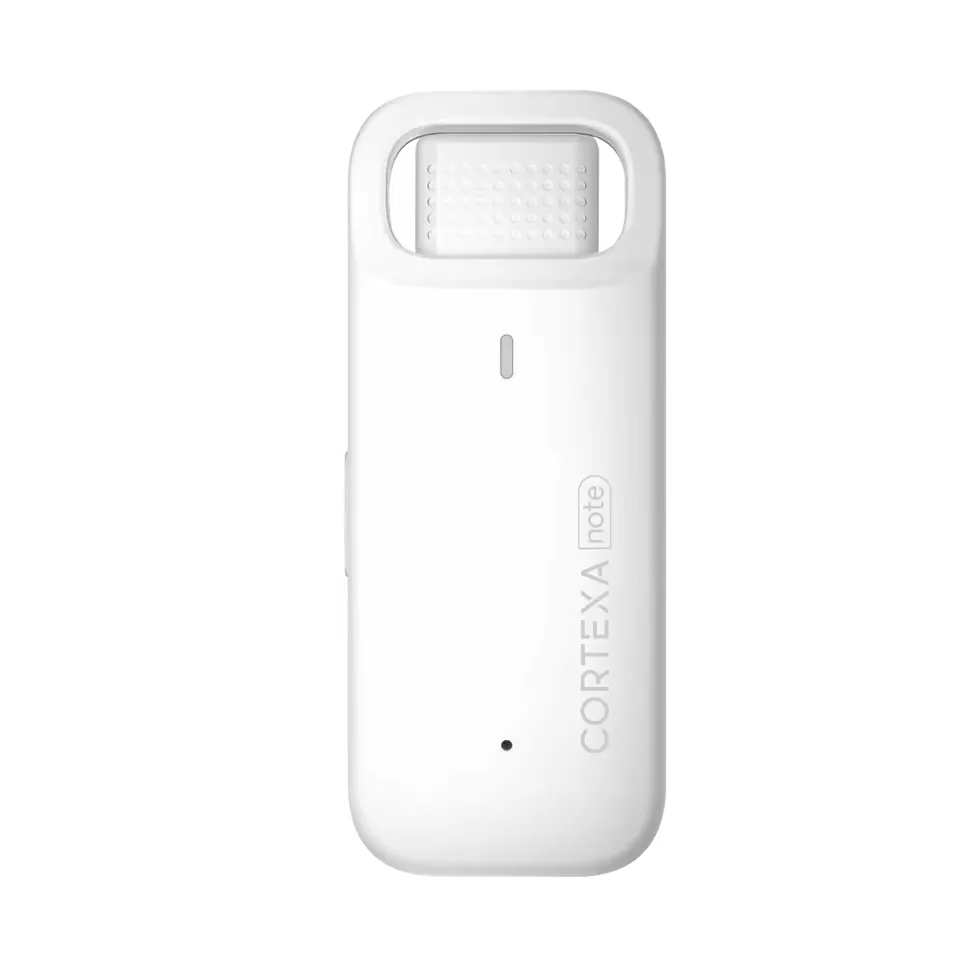
Use CortexaNote Recorder or the software capture path to produce a structured draft from the visit.
The clinician reviews and approves the final note before the connect path into MediRecords.
Setup path
MediRecords workflow coverage for clinical documentation teams.
1
Map how approved CortexaNote notes should move into MediRecords for Cloud EHR teams.
2
Choose the SOAP, progress note, form, or instruction format your clinicians review today.
3
Clinicians approve the generated note before it reaches the system of record.
Integration FAQ
Start with a workspace, capture your first encounter, and see what clinical documentation feels like when the busywork is handled.