Desktop
01Desktop and browser baseline
Confirm Windows or macOS support, current Chrome or Edge, enabled JavaScript and cookies, and an approved extension path.
Learn more
System requirements
A practical compatibility checklist for desktop, browser, mobile, network, security, Recorder hardware, and EHR handoff readiness.
Chrome/Edge
current Chromium browser
Confirm extension policy, JavaScript, cookies, and managed update behavior.
10 Mbps
minimum planning bandwidth
Use 20 Mbps as the preferred baseline for busier clinical environments.
iOS/Android
managed mobile path
Confirm store access, MDM policy, storage, and patient-consent workflow.
Resource map
Each resource turns a broad buying question into a practical review path for clinical, operational, and IT owners.
Desktop
01Confirm Windows or macOS support, current Chrome or Edge, enabled JavaScript and cookies, and an approved extension path.
Learn more
Devices
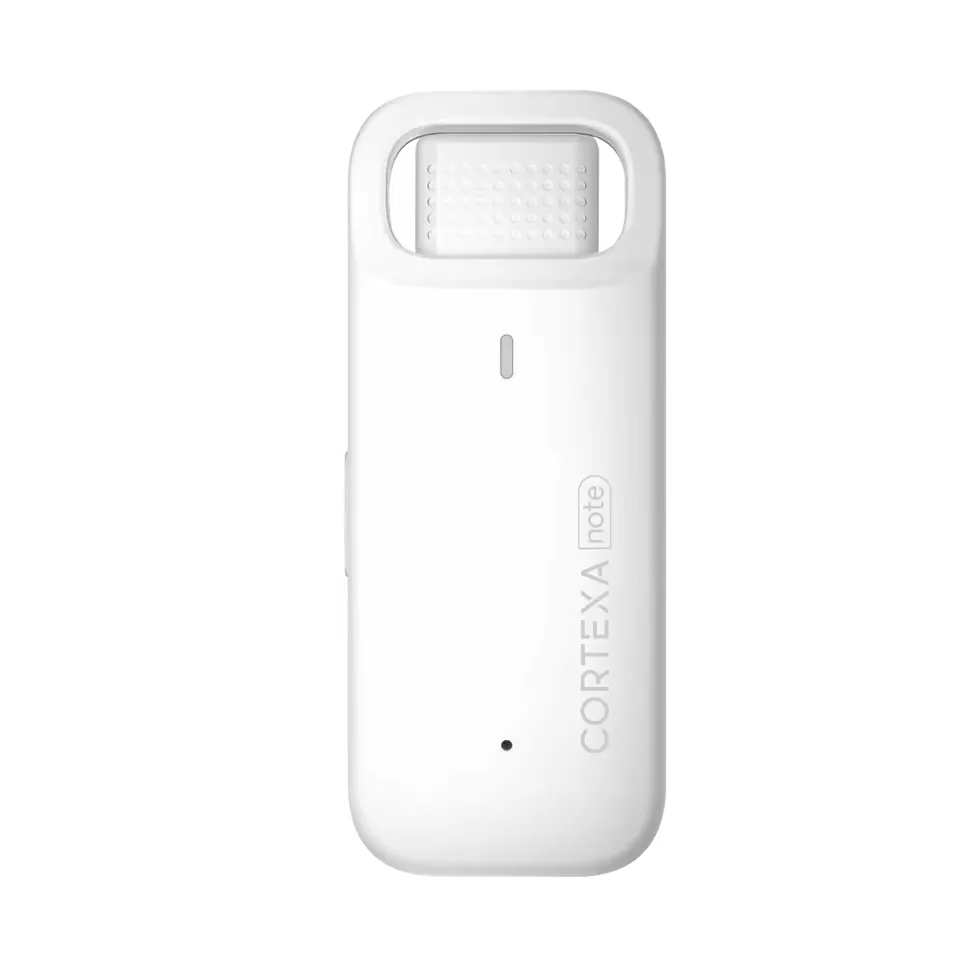
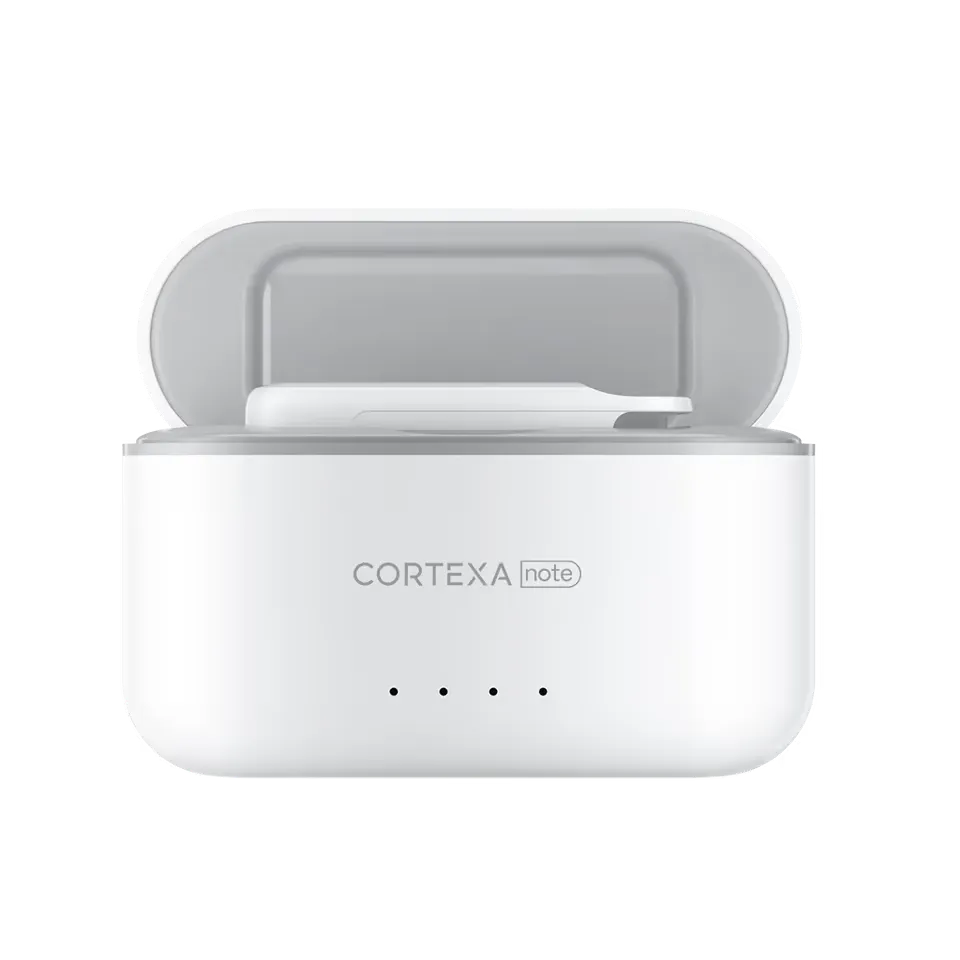
02Decide how managed phones, tablets, personal devices, and dedicated Recorder hardware will be used during capture.
Learn more
Network
03Check bandwidth, packet-loss tolerance, firewall policy, antivirus, MDM compliance, identity ownership, and support routing.
Learn more
EHR
04Separate supported systems from planning pages so teams do not mistake compatibility review for unattended chart writing.
Learn more
Rollout frame
Separate what the team can decide now from what still needs pilot evidence, security review, or workflow validation.
Impact
01Compatibility work should happen before clinicians are asked to change their visit flow.
Impact
02Security questions become easier when the team can point to the exact capture, review, export, and support path.
At a glance
CortexaNote team / 2026-05-22 / IT, operations, and clinical administrators
A practical compatibility checklist for desktop, browser, mobile, network, security, Recorder hardware, and EHR handoff readiness.
Why this matters
A clinical documentation rollout fails quickly when the environment is vague. Before the first pilot cohort, confirm desktop access, Chromium browser policy, mobile device rules, Recorder handling, network tolerance, identity ownership, and EHR handoff expectations.
How to use it
Use a conservative planning baseline: current Chrome or Edge, JavaScript and cookies enabled, managed endpoint security, enough local storage for ordinary clinical work, and stable broadband that can sustain audio upload and reviewed-note handoff.
What to validate
Requirements are a clinical operating checklist, not just a device table. The question is whether a clinician can capture the encounter, review the note, and move approved content toward the chart without unsupported workarounds.
“A practical compatibility checklist for desktop, browser, mobile, network, security, Recorder hardware, and EHR handoff readiness.”
Compatibility proof
The checklist keeps environment assumptions attached to the clinical loop: capture, draft, review, handoff, support, and security review.
6
readiness areas
1
named owner
0
silent workarounds
Practical FAQ
Teams can plan around browser, mobile, and Recorder workflows. The right mix depends on device policy, consent workflow, capture quality, and whether devices are clinic-managed.
Use the resource, choose one workflow to test, and make the first rollout small enough to inspect.
Talk to sales