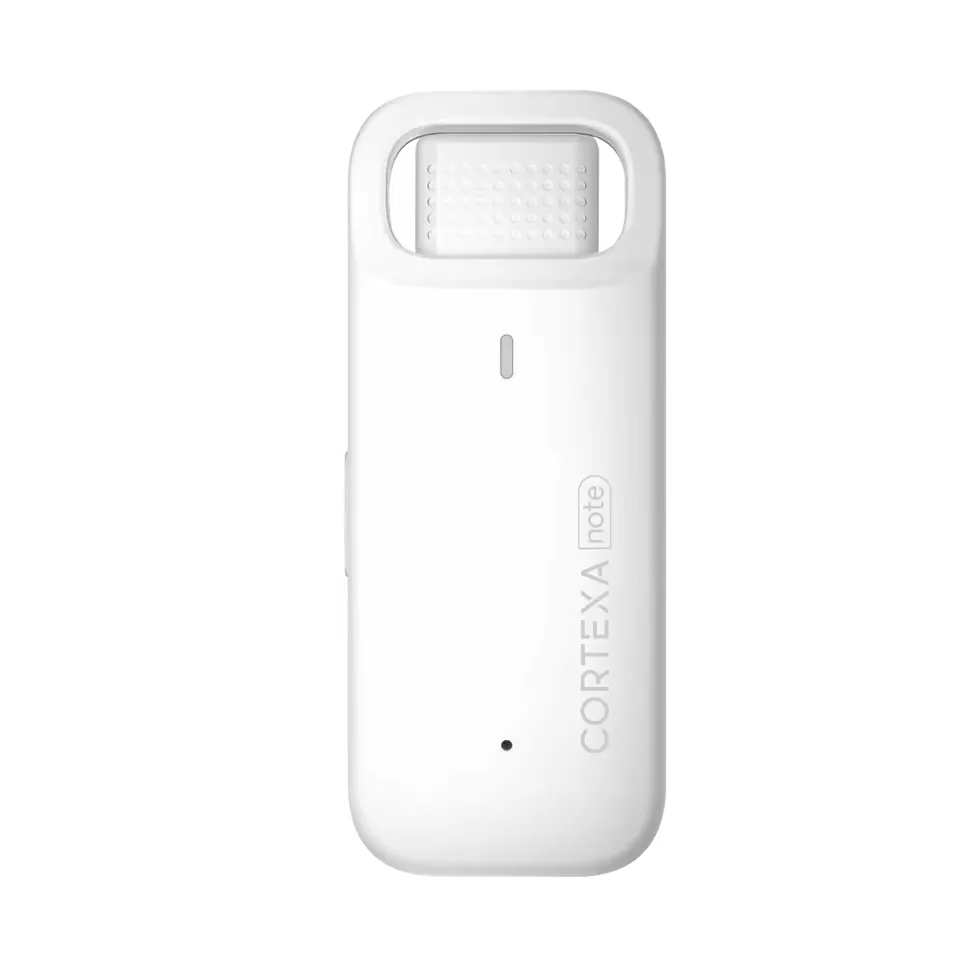
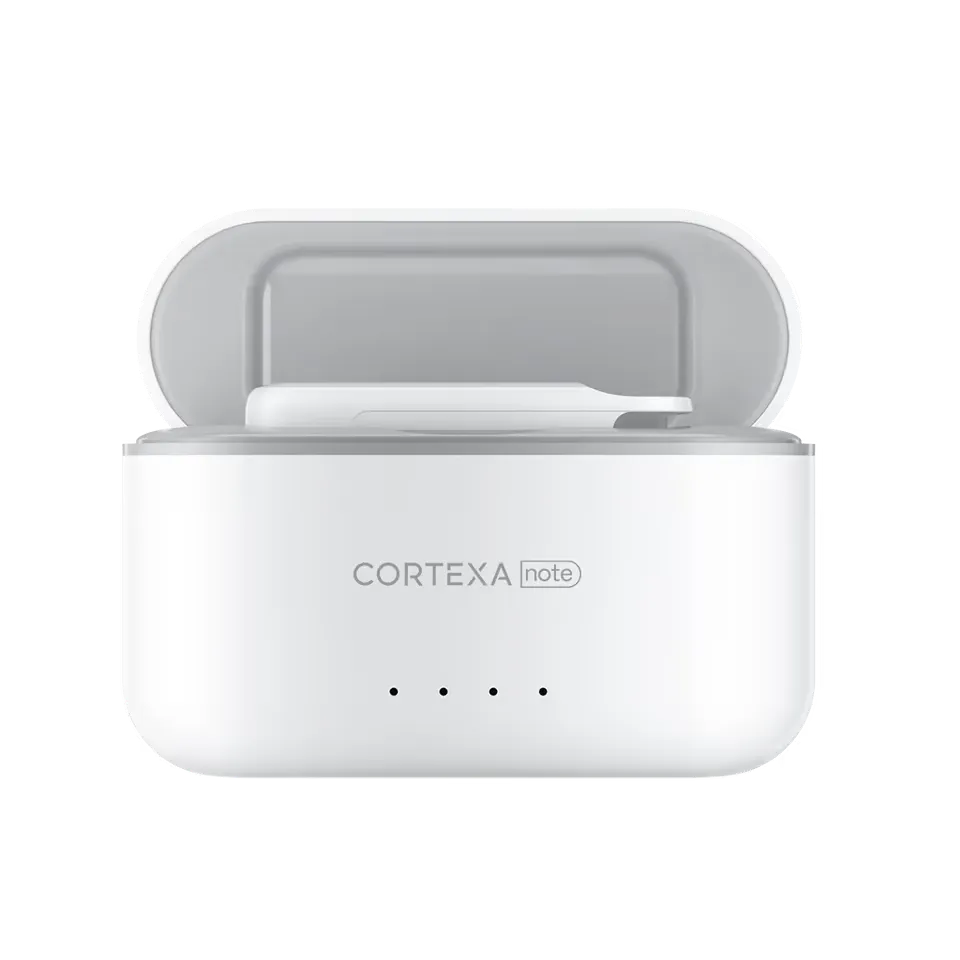
Visit
01During the appointment
The clinician can stay present while the visit is captured for review.
For patients
Plain-language guidance clinicians can use to explain CortexaNote recording, documentation support, privacy, and follow-up.
Consent
first checkpoint
Review
clinician control
Follow-up
patient value
Resource map
Each resource turns a broad buying question into a practical review path for clinical, operational, and IT owners.
Visit
01The clinician can stay present while the visit is captured for review.
Questions
02Reviewed notes can support clearer explanations and follow-up.
Continuity
03Important details can carry forward into the next encounter.
Rollout frame
Separate what the team can decide now from what still needs pilot evidence, security review, or workflow validation.
Impact
01The patient-facing story is about attention, clarity, and trust, not novelty.
At a glance
CortexaNote team / 2026-05-21 / Patients and care teams
Plain-language guidance clinicians can use to explain CortexaNote recording, documentation support, privacy, and follow-up.
Why this matters
Patients should understand why an AI documentation tool is present before the visit begins. The point is simple: help the clinician listen, capture important details, and review the final note carefully.
How to use it
CortexaNote should be explained as a background documentation assistant, not as an autonomous clinician. The human clinician remains responsible for judgment, communication, and the final record.
What to validate
The strongest patient story is calm and specific: what is captured, how privacy is handled, who reviews the note, and how follow-up instructions are prepared.
“Plain-language guidance clinicians can use to explain CortexaNote recording, documentation support, privacy, and follow-up.”
Patient proof
If a patient cannot understand what the tool does, why it is used, and who controls the output, the workflow is not ready for the room.
1 min
plain explanation
3
patient promises
Presence, privacy, follow-up.
1
clinician owner
Practical FAQ
The goal is to let the clinician stay present while important clinical details are captured for review.
Use the resource, choose one workflow to test, and make the first rollout small enough to inspect.
Read the FAQ