
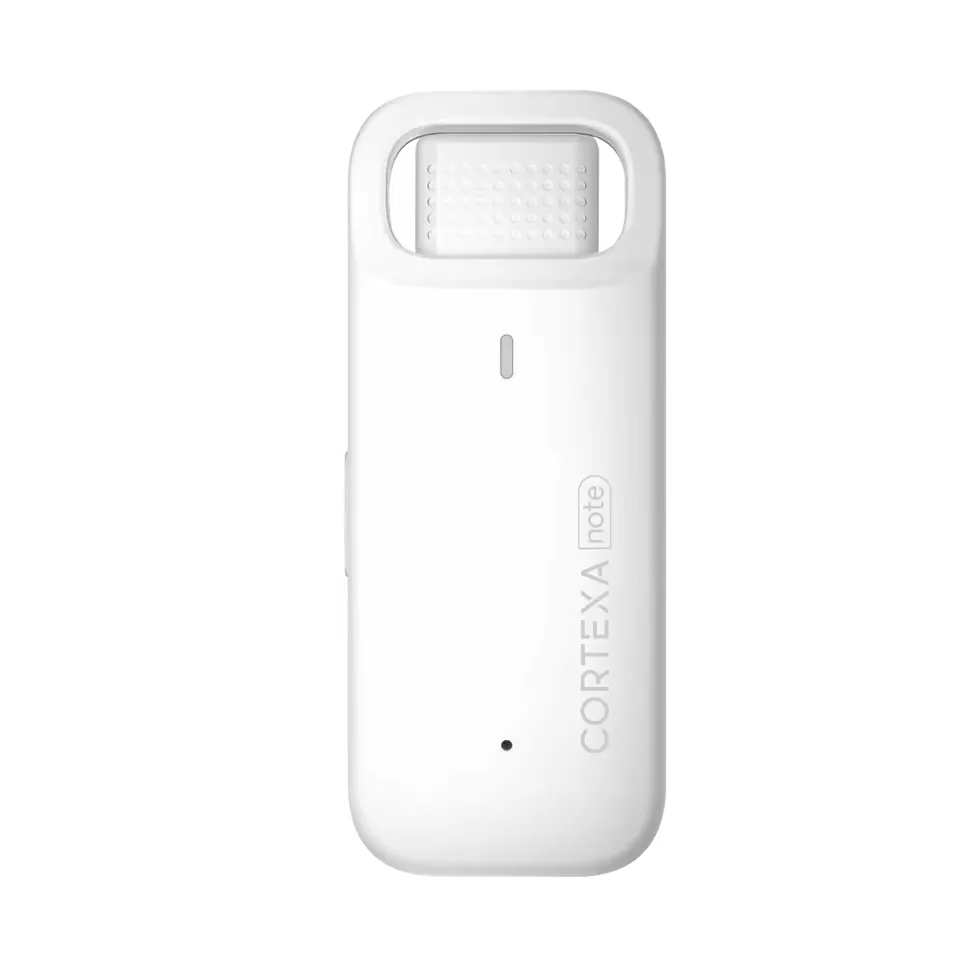
Presence
01Maintain eye contact
The capture layer keeps typing from becoming the center of the patient conversation.
Learn more
Assistant
Ask for summaries, patient instructions, and documentation transformations.
Product proof
The page structure follows the product job: what changes in the visit, what becomes easier after the visit, and what still stays under clinician control.
Presence
01The capture layer keeps typing from becoming the center of the patient conversation.
Learn more
Context
02Transcript, context, patient instructions, and review history stay attached to the encounter.
Learn more
Continuity
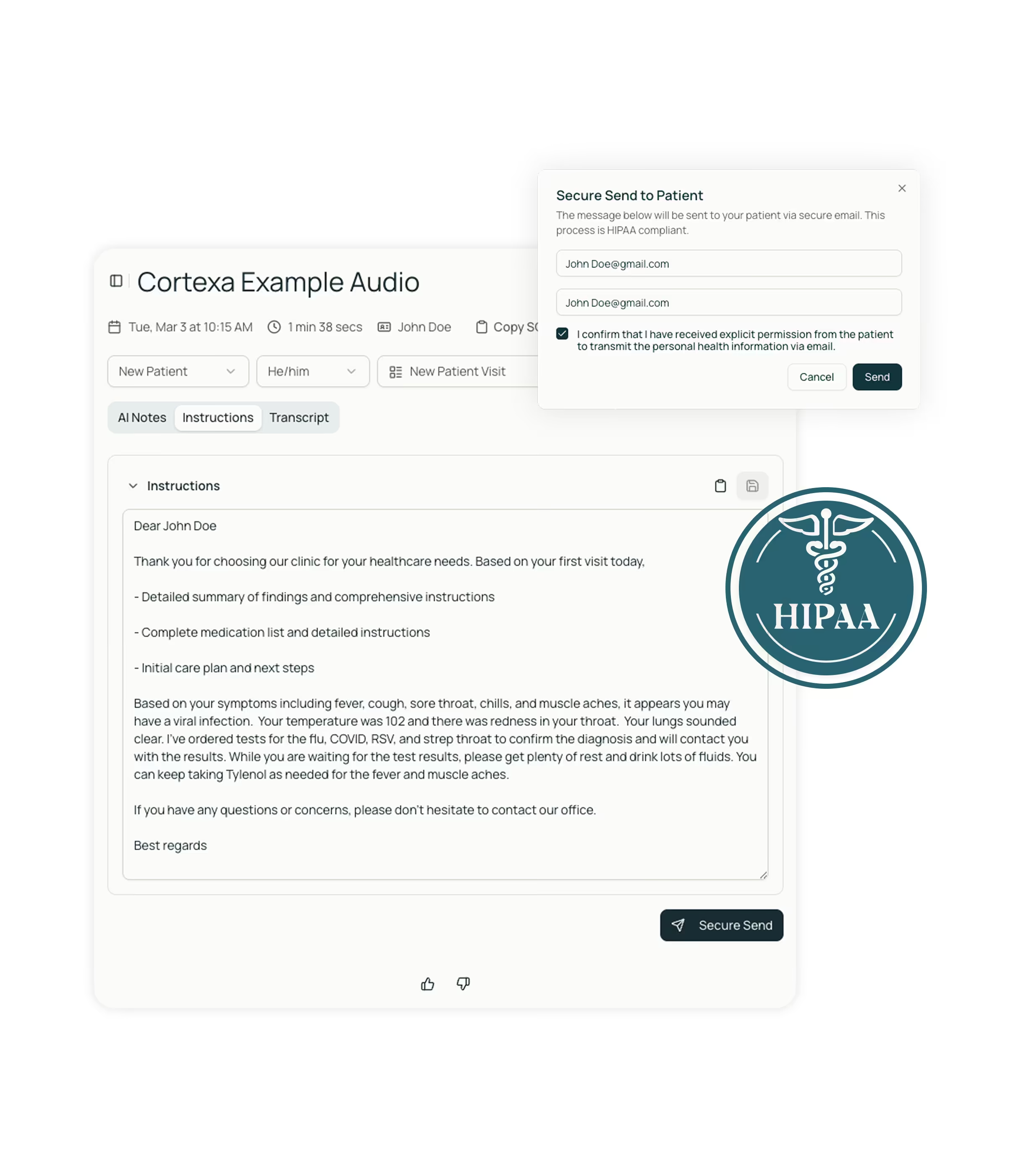
03Patient-facing summaries and next steps come from the same reviewed source note.
Learn more
Product visuals
Each product page anchors the promise in visible capture, review, sync, or EHR handoff surfaces instead of relying on abstract feature language.
Context
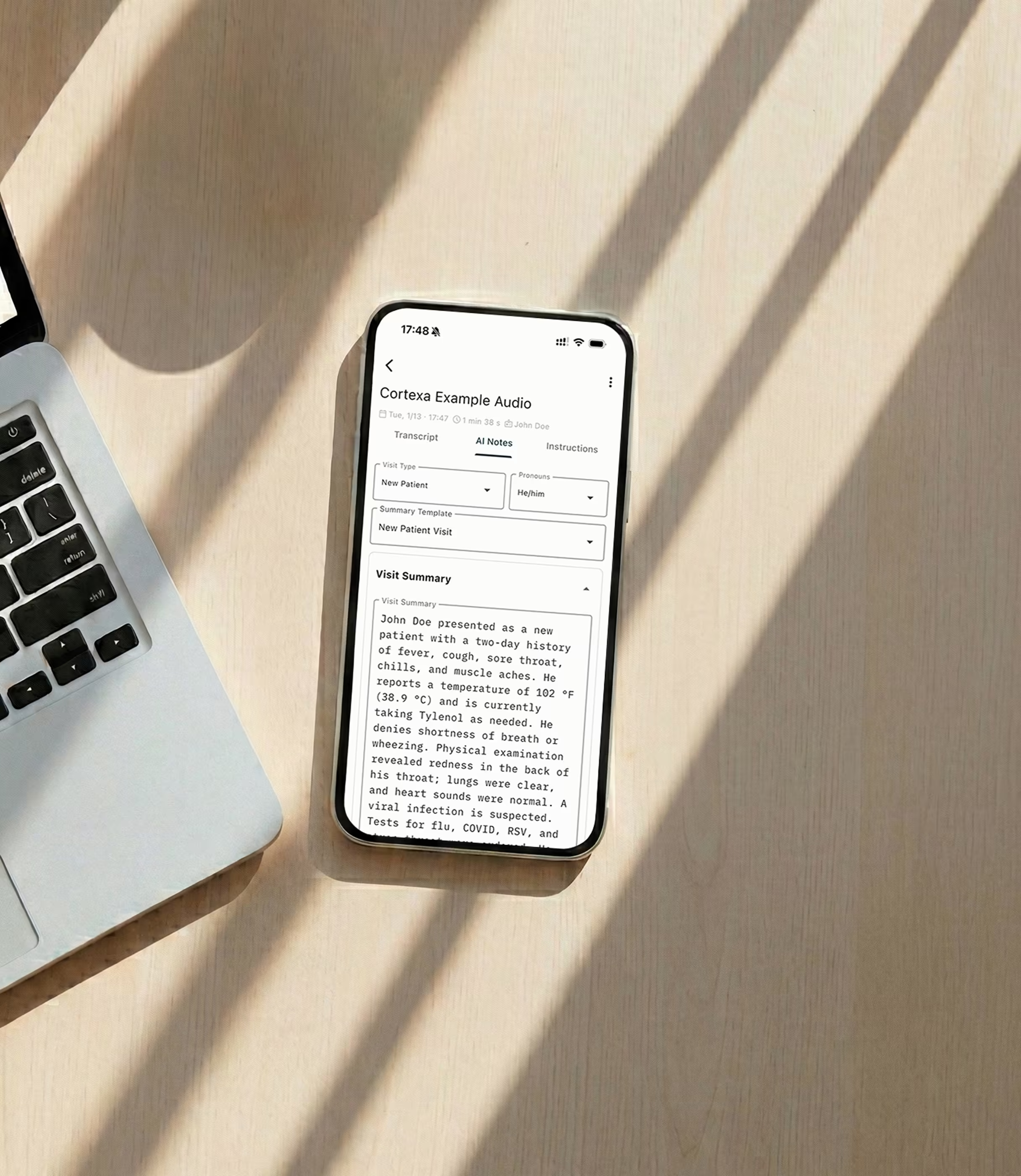
Ask-style workflows work only when summaries, previous context, and source notes stay attached to the encounter.

Assistant
Transformations and patient-facing language belong beside reviewed documentation, not in a disconnected chat window.
Next step
The useful output is the one that becomes instructions, tasks, or chart-ready language after review.
Clinical workflow
Ask CortexaNote turns the CortexaNote encounter record into a cleaner clinical workflow surface.
Review control
Ask for summaries, patient instructions, and documentation transformations. Clinicians keep final review control while the platform removes repetitive formatting, transfer, and follow-up work.
How it works
Each capability keeps a specific path from capture to review instead of falling back to a generic feature tour.
Encounter loop
Listen: Keep attention in the room
Source stays attached
Clinician reviews
Handoff stays explicit
“Presence is a clinical feature when documentation no longer competes with the patient.”
Built to support daily use
The dense capability layer turns the product promise into specific actions clinicians, teams, and operations owners can recognize.
Summaries
01Turn the reviewed record into concise clinical, operational, or patient-facing summaries.
Rewrite
02Shift language between clinician note, patient instruction, referral, or team handoff context.
Context
03Keep assistant output grounded in transcript, note, template, and patient history signals.
Follow-up
04Draft instructions, explanations, and task context without starting a second document.
Review
05Make AI output editable and accountable before anything leaves the workspace.
Style
06Carry preferred phrases and specialty terms into assistant-generated output.
Care settings
CortexaNote keeps the same operating model while the use case changes by role, setting, and team maturity.
Therapy
01Maintain attention during sensitive conversations while the structure builds quietly.
Urgent care
02Keep documentation clear while decisions and handoffs move quickly.
Continuity
03Give full attention to complex presentations without losing the follow-up trail.
Related features
Workflow
01Record the encounter, review the structured draft, and move approved notes toward the chart.
Learn more
Capacity
02Give documentation time back to the clinical day without weakening review quality.
Learn more
Personalization
03Tune vocabulary and templates to how your practice documents.
Learn more
Start with a workspace, capture your first encounter, and see what clinical documentation feels like when the busywork is handled.