Snippets
01Cut the repetition
Reusable terms, templates, and phrases remove recurring manual edits from the note.
Learn more
Personalization
Tune vocabulary and templates to how your practice documents.
Product proof
The page structure follows the product job: what changes in the visit, what becomes easier after the visit, and what still stays under clinician control.
Snippets
01Reusable terms, templates, and phrases remove recurring manual edits from the note.
Learn more
Standards
02Shared structures help teams keep output consistent without flattening specialty nuance.
Learn more
Accuracy
03Custom vocabulary and note formats keep speed and clinical detail moving together.
Learn more
Product visuals
Each product page anchors the promise in visible capture, review, sync, or EHR handoff surfaces instead of relying on abstract feature language.
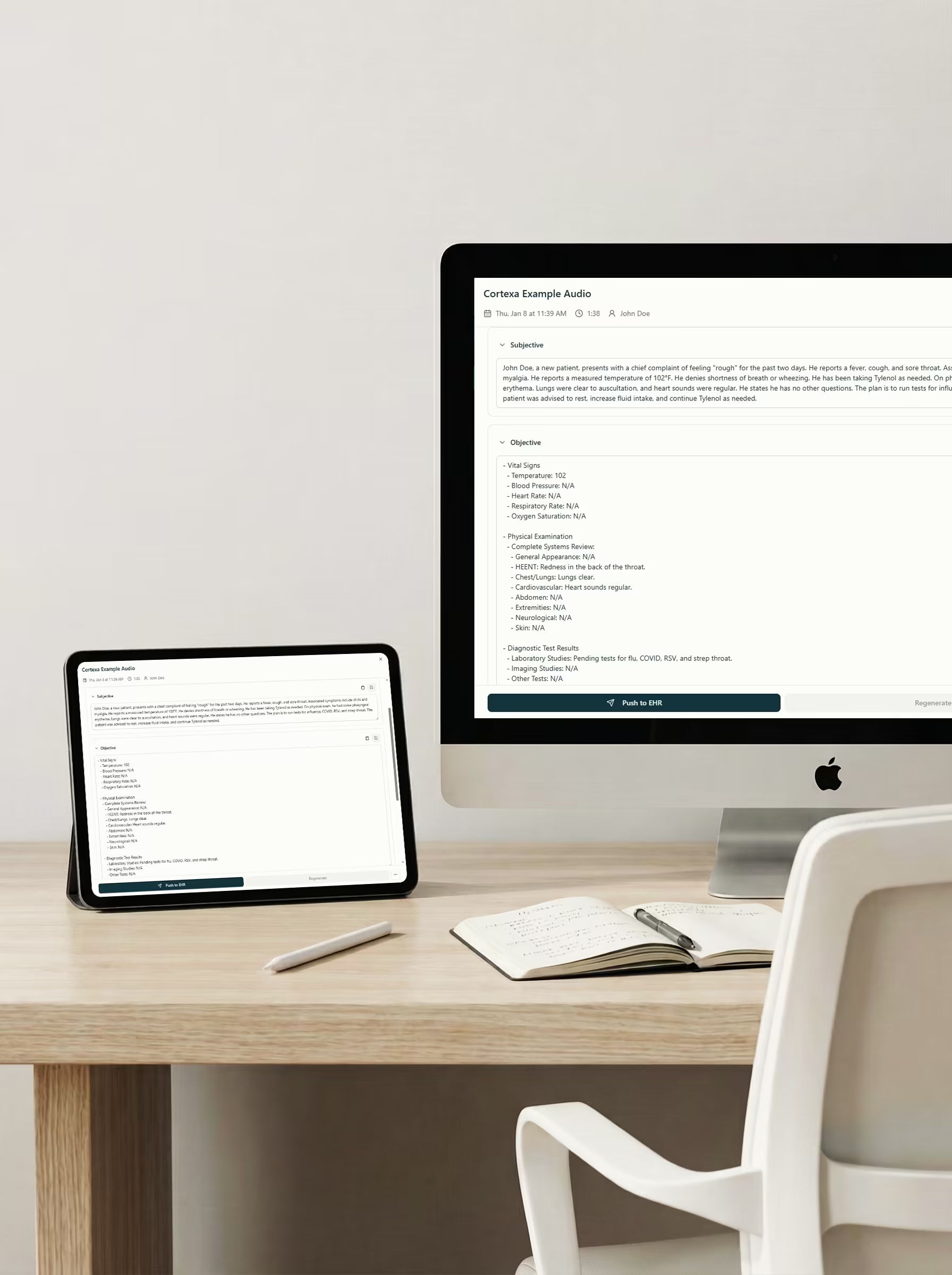
Templates
Reusable note structure gives customization a visible product surface, not just a settings promise.
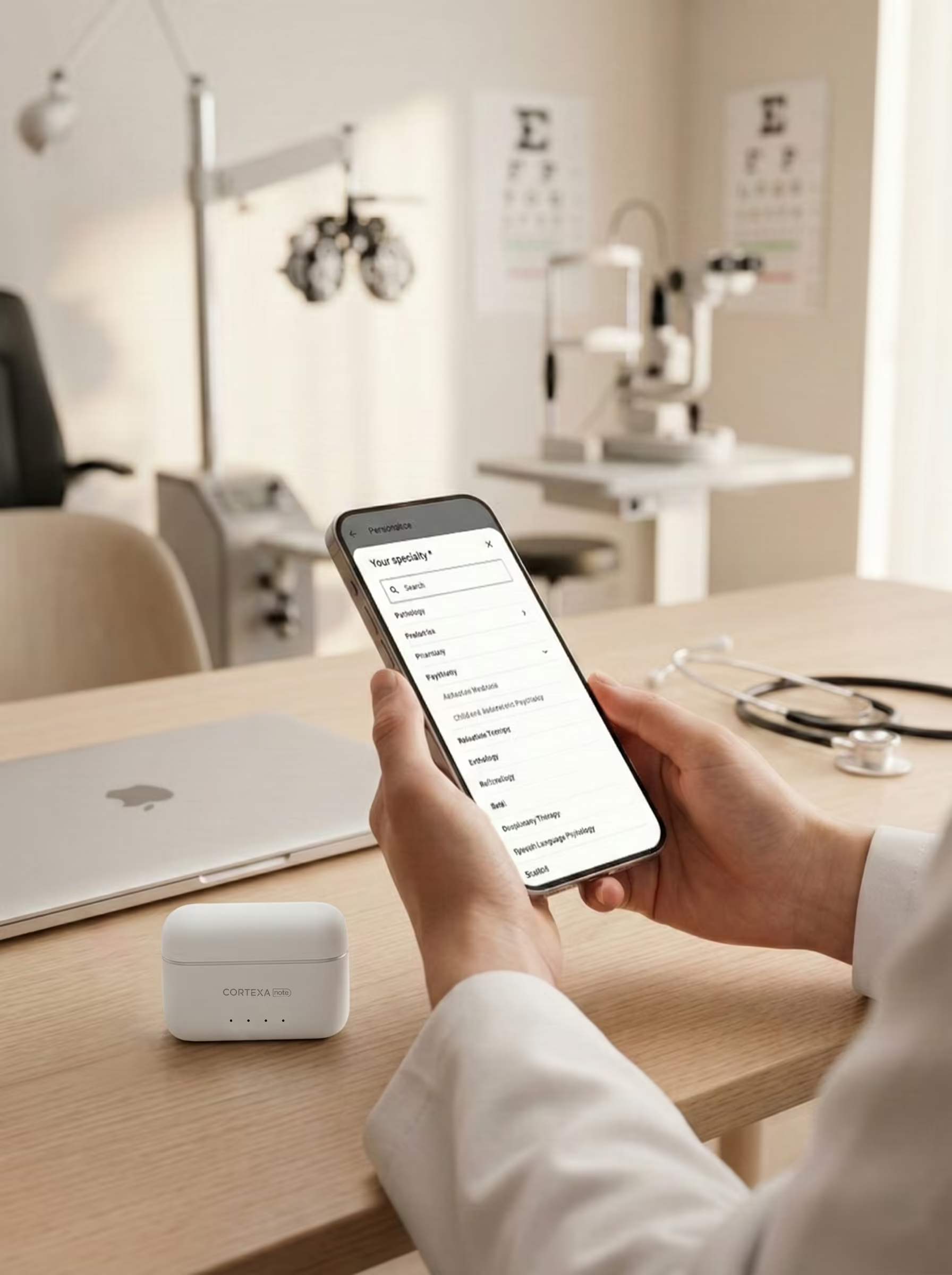
Clinical language
Preferred terms, abbreviations, and clinical phrasing should be first-class inputs to the note.

Review
Clinicians still own the final wording, but the draft starts closer to how they already document.
Clinical workflow
Customisation turns the CortexaNote encounter record into a cleaner clinical workflow surface.
Review control
Tune vocabulary and templates to how your practice documents. Clinicians keep final review control while the platform removes repetitive formatting, transfer, and follow-up work.
How it works
Each capability keeps a specific path from capture to review instead of falling back to a generic feature tour.
Encounter loop
Terms: Use your clinical language
Source stays attached
Clinician reviews
Handoff stays explicit
“Notes should carry the clinician's language, not a generic template voice.”
Built to support daily use
The dense capability layer turns the product promise into specific actions clinicians, teams, and operations owners can recognize.
Snippets
01Save repeated assessments, instructions, and phrases so routine edits disappear.
Vocabulary
02Bring specialty terms, abbreviations, and replacements into the draft from the start.
Templates
03Start from note shapes that fit the care setting instead of generic prose.
Team
04Keep clinicians aligned around common phrases while preserving individual review.
Maintenance
05Change standards centrally so repeated corrections do not return visit after visit.
Style
06Make the draft faster without making every clinician sound the same.
Care settings
CortexaNote keeps the same operating model while the use case changes by role, setting, and team maturity.
Individual
01Drop in observations, terms, and shortcuts without losing clinical detail.
Team
02Share templates and naming standards across the team.
Enterprise
03Align documentation language across departments and care settings.
Related features
Workflow
01Record the encounter, review the structured draft, and move approved notes toward the chart.
Learn more
Capacity
02Give documentation time back to the clinical day without weakening review quality.
Learn more
Clinical memory
03Keep transcripts, prior notes, and patient instructions close to the workflow.
Learn more
Use templates, vocabulary, and reusable phrasing to make drafts start closer to the way the clinician or team already documents.
Start with a workspace, capture your first encounter, and see what clinical documentation feels like when the busywork is handled.
Try Cortexa