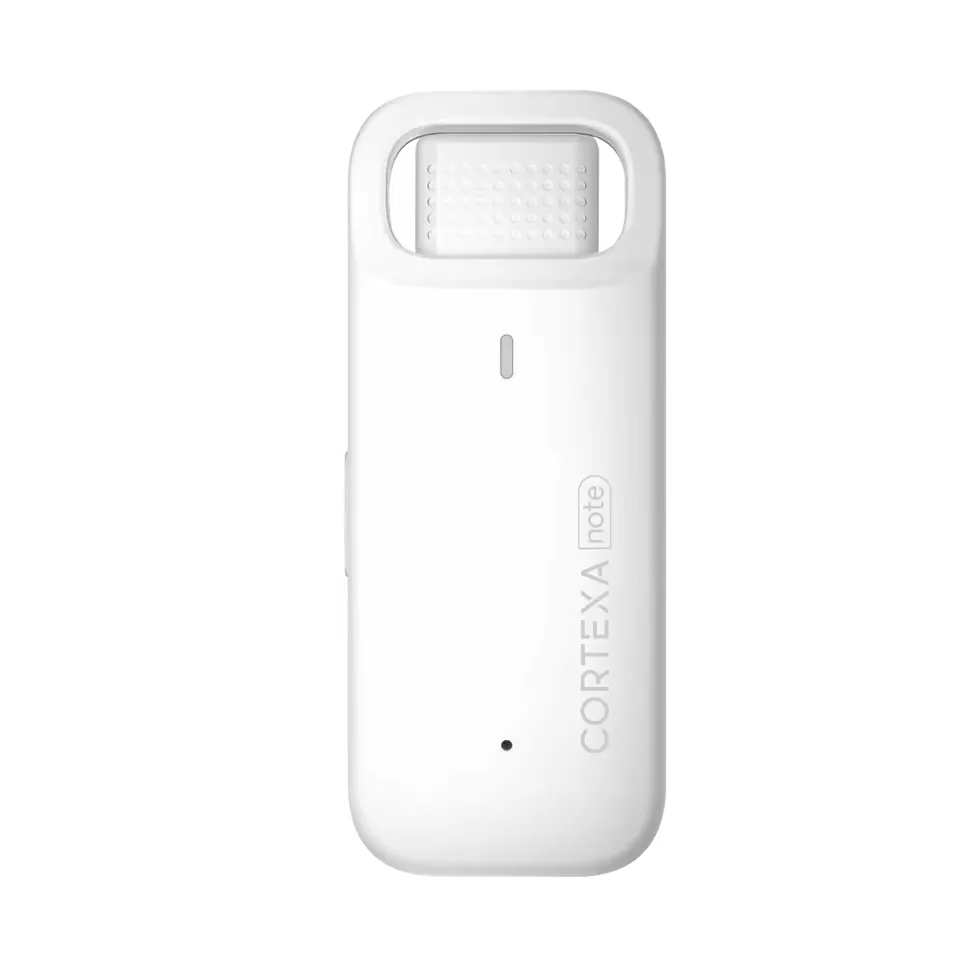
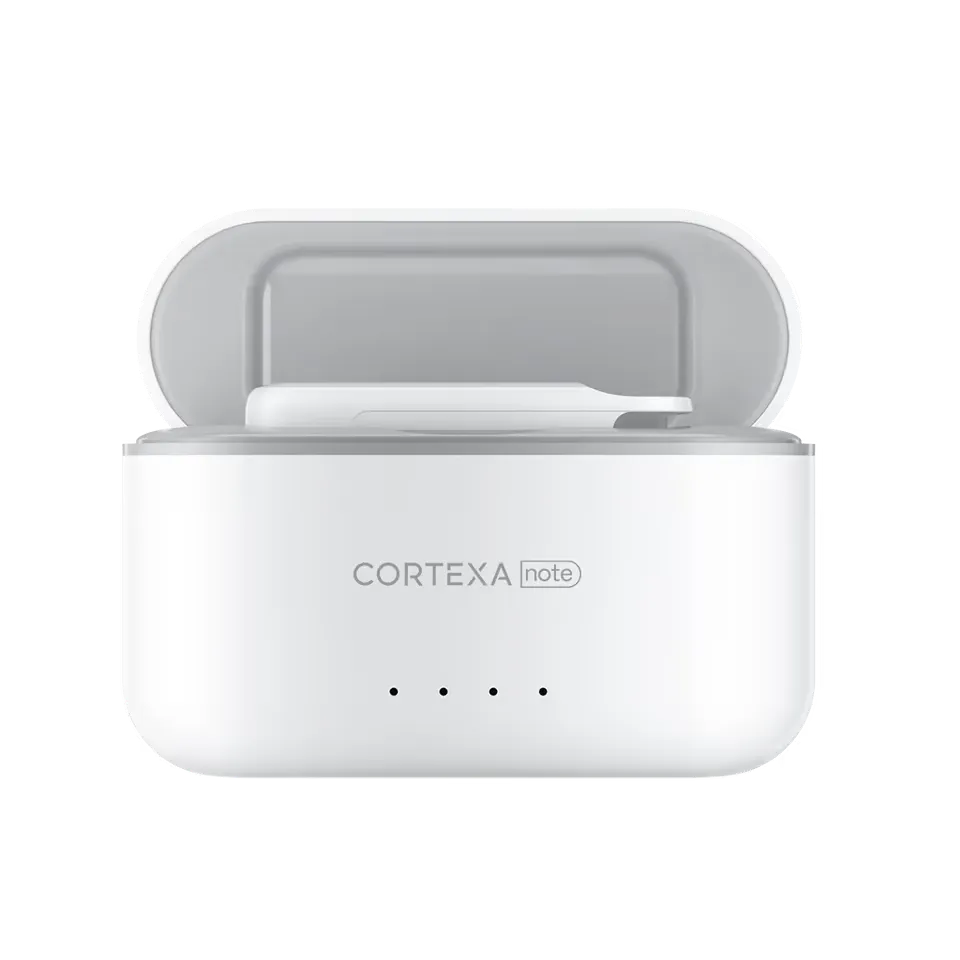
Capture
01Capture everything automatically
Recorder and software capture keep the encounter moving while the clinician stays in conversation.
Learn more
Input
Use CortexaNote for summaries, corrections, and quick clinical dictation.
Product proof
The page structure follows the product job: what changes in the visit, what becomes easier after the visit, and what still stays under clinician control.
Capture
01Recorder and software capture keep the encounter moving while the clinician stays in conversation.
Learn more
Draft
02Structured drafts are ready for review before the day turns into after-hours documentation work.
Learn more
Flow
03The workflow adapts to the visit instead of forcing clinicians to document in a separate ritual.
Learn more
Product visuals
Each product page anchors the promise in visible capture, review, sync, or EHR handoff surfaces instead of relying on abstract feature language.
Dictation
A dictation flow should be ready for corrections, summaries, and short clinical notes without leaving the workspace.
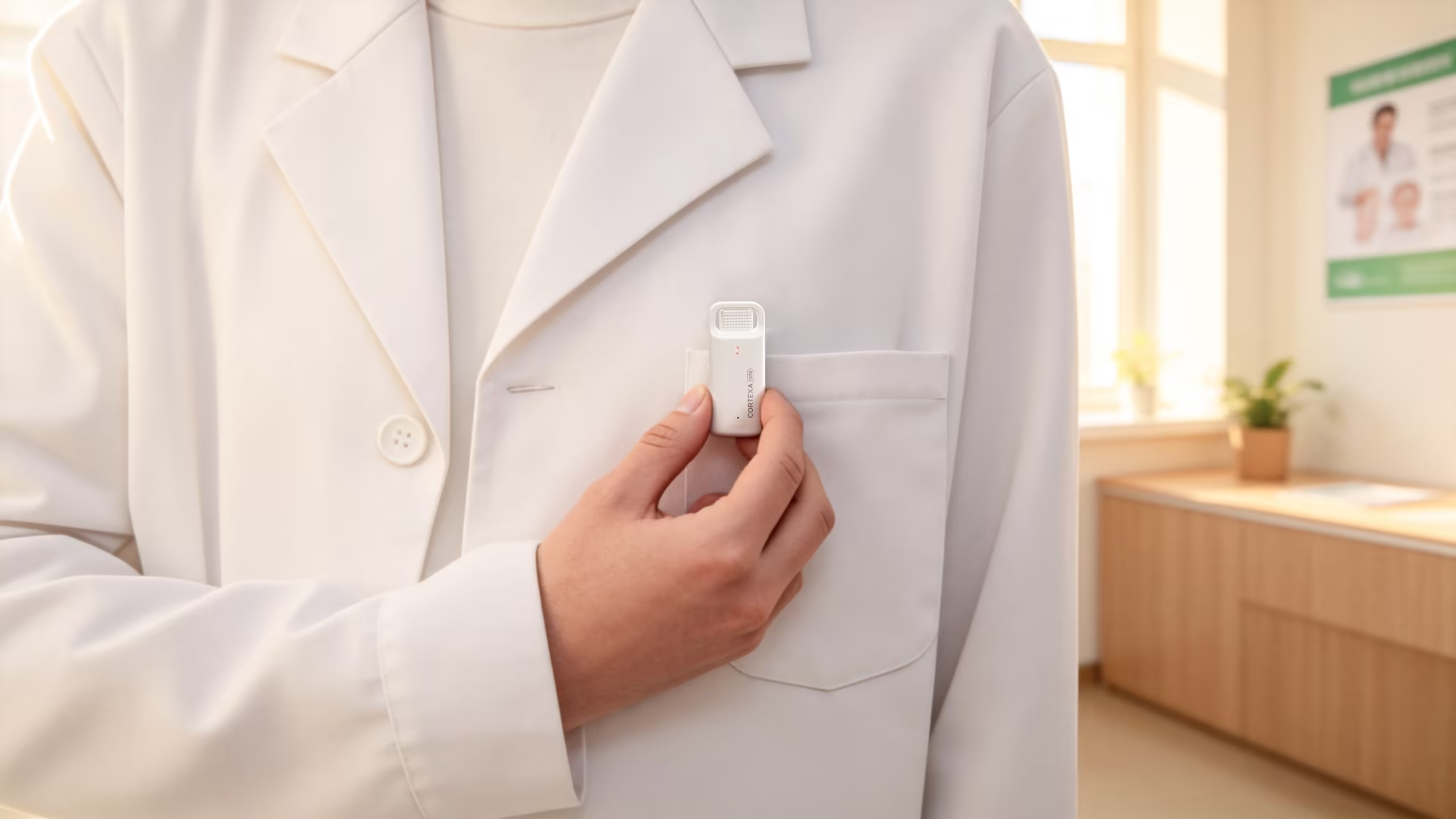
Control
The interaction should compress start, pause, and resume into a control that clinicians can trust in motion.

Correction
Dictated changes are most useful when they land directly in the review surface.
Clinical workflow
Dictate turns the CortexaNote encounter record into a cleaner clinical workflow surface.
Review control
Use CortexaNote for summaries, corrections, and quick clinical dictation. Clinicians keep final review control while the platform removes repetitive formatting, transfer, and follow-up work.
How it works
Each capability keeps a specific path from capture to review instead of falling back to a generic feature tour.
Encounter loop
Capture: Transcribe in real time
Source stays attached
Clinician reviews
Handoff stays explicit
“The best documentation workflow is the one that ends before the clinician leaves.”
Built to support daily use
The dense capability layer turns the product promise into specific actions clinicians, teams, and operations owners can recognize.
Input
01Capture corrections, summaries, and short notes without leaving the clinical workspace.
Control
02Pause, resume, and refine dictated content while the clinical thread stays intact.
Correction
03Use voice to adjust the draft rather than rebuilding sections by hand.
Follow-up
04Add small pieces of clinical context after the visit without opening a separate process.
Mobile
05Use dictation when care happens away from a desk or full keyboard.
Unified
06Keep ambient capture and direct dictation inside one documentation model.
Care settings
CortexaNote keeps the same operating model while the use case changes by role, setting, and team maturity.
Shift work
01Finish handover notes and care-plan updates before the shift ends.
Long-form care
02Document sensitive visits without breaking boundaries or presence.
Primary care
03Move through back-to-back consultations without taking the note home.
Related features
Workflow
01Record the encounter, review the structured draft, and move approved notes toward the chart.
Learn more
Capacity
02Give documentation time back to the clinical day without weakening review quality.
Learn more
Personalization
03Tune vocabulary and templates to how your practice documents.
Learn more
CortexaNote captures the encounter, drafts structured output, and keeps review close enough to finish before the backlog forms.
Start with a workspace, capture your first encounter, and see what clinical documentation feels like when the busywork is handled.
Try Cortexa